<img height="1" width="1" style="display:none;" alt="" src="https://px.ads.linkedin.com/collect/?pid=7937762&amp;fmt=gif">
Skip to content

Features > Voice

A familiar call. A more personal connection.

Bring inbound and outbound phone calls into your team’s Lynq® workflow. Make it easier for account holders to reach a person and for employees to follow up.

vo_01_image_header

Voice at a glance

Personal service, a phone call away

03_card_1_icon_40x40px

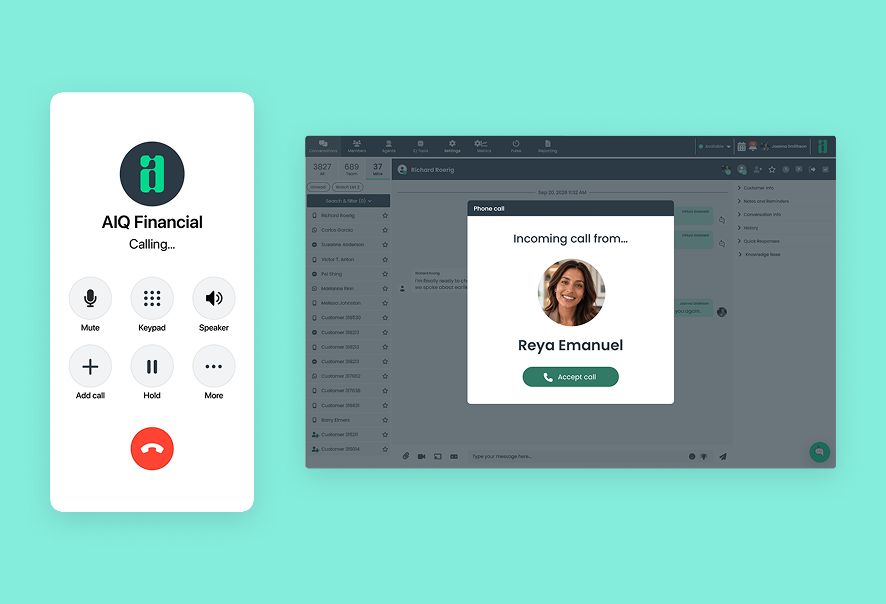
Inbound calling

Let account holders call your institution and connect with your team through Lynq.
03_card_2_icon_40x40px

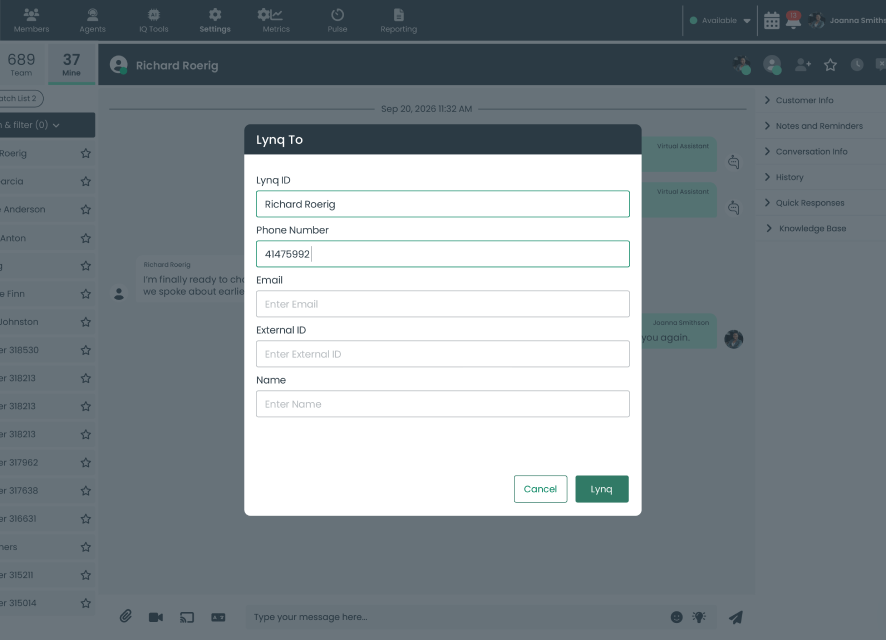
Outbound calling

Call account holders for personal follow-up when outbound calling is enabled.
03_card_3_icon_40x40px

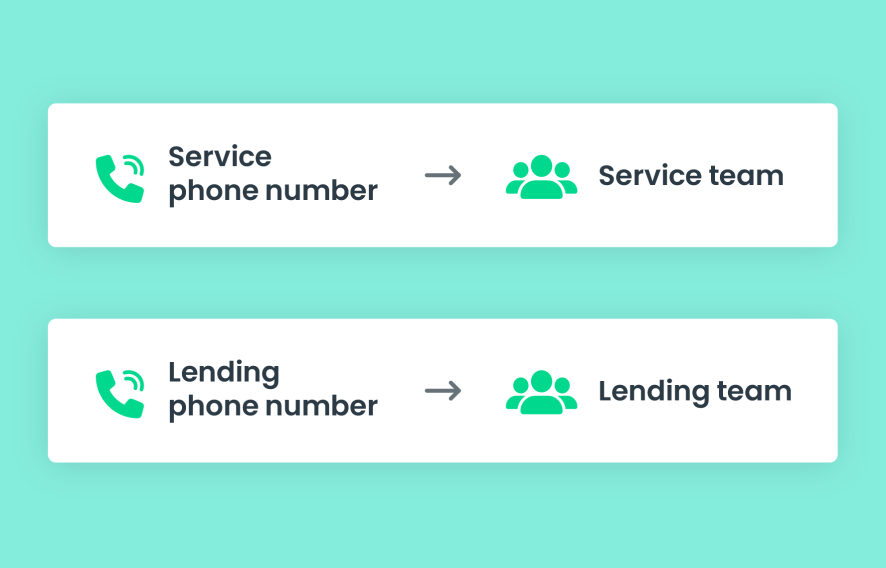
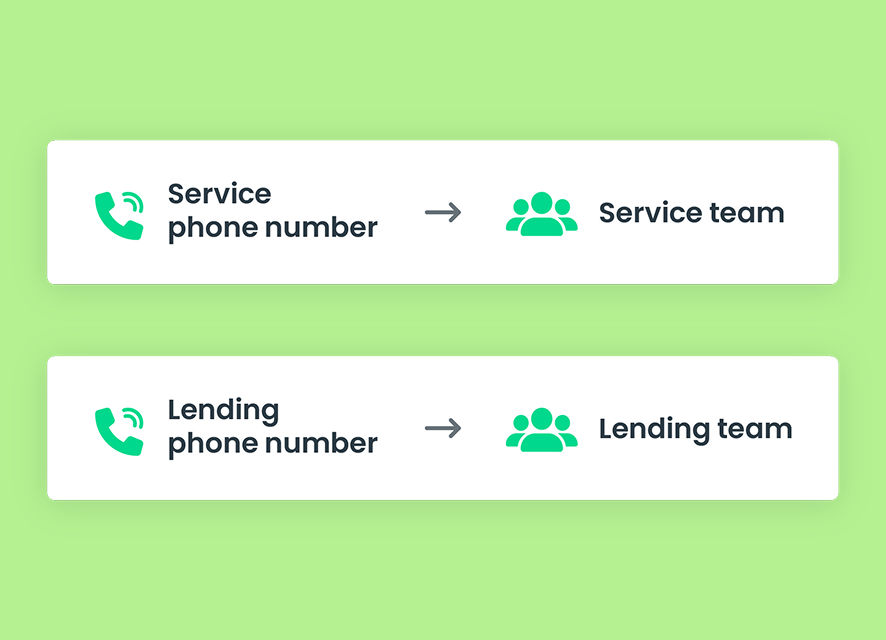
Number-based team routing

Connect different phone numbers to designated groups or teams, when configured.
03_card_4_icon_40x40px

Calls within Lynq

Handle phone conversations within the employee workspace your team uses for digital service.
03_card_5_icon_40x40px

Automatic call status

Reflect when an employee is in a phone call with the system-controlled On Phone status.
03_card_6_icon_40x40px

A path to digital support

Send an SMS link or guide callers to online banking when they need additional support.

How Voice works

Start with a conversation

Support an incoming question or make a personal follow-up call, then guide the account holder toward the help they need.
  1. An account holder calls your institution, or an employee initiates an outbound call when enabled
  2. Incoming calls reach the group or team associated with the number dialed, where configured
  3. The employee talks through the question and helps identify the next step
  4. If digital support would help, the employee sends an SMS link or guides the caller to online banking
vo_03_image_chart

Designed for better service

A person on the other end

Make phone conversations part of the personal service your institution provides.

For account holders

Talk it through

Ask questions and explain what you need in a familiar phone conversation with your institution’s team.
vo_04a_image_left

For employees

Make follow-up personal

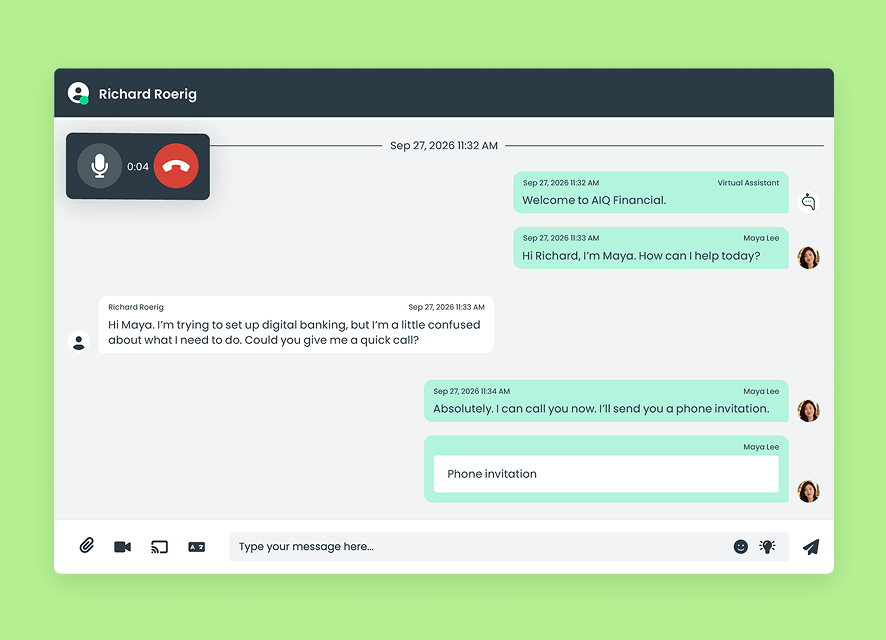
Reach out by phone when a discussion would be more useful than another message. Initiate calls from Lynq when outbound calling is enabled.
vo_04b_image_right

For managers

Connect numbers to the right teams

Where your institution uses different phone numbers for different services, connect each number to its designated group or team.
vo_04c_image_left

Connected support

Bring digital support into the conversation

06_card_1_icon_40x40px

Send a link by SMS

Help callers reach the appropriate digital experience with a link sent by text.
06_card_2_icon_40x40px

Continue in online banking

Guide account holders to sign in for authenticated messaging and more detailed account-specific support.
06_card_3_icon_40x40px

Add visual guidance

Once connected through chat, offer video banking or request a co-browsing session when seeing the next step would help.

Built for financial institutions

Trust is part of the experience

07_card_1_icon_40x40px

SOC 2 Type II controls

Support employee workflows within Agent IQ’s SOC 2 Type II control environment.
07_card_2_icon_40x40px

Configured for your institution

Align phone numbers and designated teams with your institution’s service setup. Outbound calling requires enablement.
07_card_3_icon_40x40px

A path to authenticated support

Guide callers into signed-in online banking when their needs call for authenticated messaging.

Connected capabilities

Frequently asked questions

Is Voice the same as VoIP?
No. Voice supports inbound and outbound calls using phone numbers. VoIP is an in-conversation audio session with an authenticated account holder who is online, and is covered under authenticated messaging.
How are inbound calls routed?

Where configured, different phone numbers can connect to different groups or teams. Routing follows the number dialed and the institution’s setup.

Can employees make outbound calls?
Yes, when outbound calling is enabled. Employees can use a phone number to find or create a conversation in Lynq and initiate a call. Outbound calling is a premium capability that Agent IQ must enable.
Can a phone call lead to digital support?
Yes. An employee can send an SMS link or guide the caller to sign in to online banking. Once connected through chat, the employee can offer video or request co-browsing when appropriate.