<img height="1" width="1" style="display:none;" alt="" src="https://px.ads.linkedin.com/collect/?pid=7937762&amp;fmt=gif">
Skip to content

Features > Relationship models

Your relationships. Your way.

Give account holders a dedicated contact, a supporting team, or pooled service. Configure Lynq® by segment, with primary employees chosen by account holders or assigned by your institution.

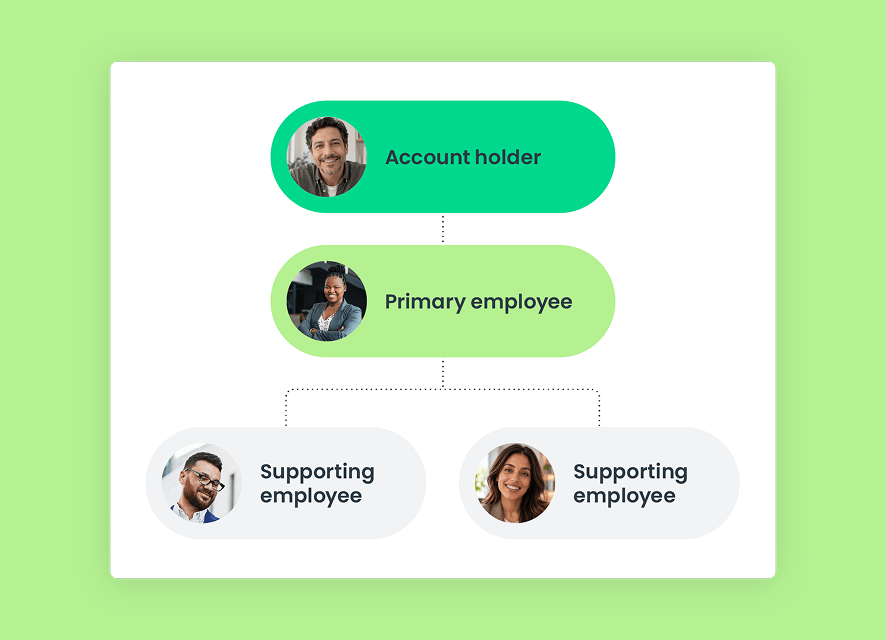
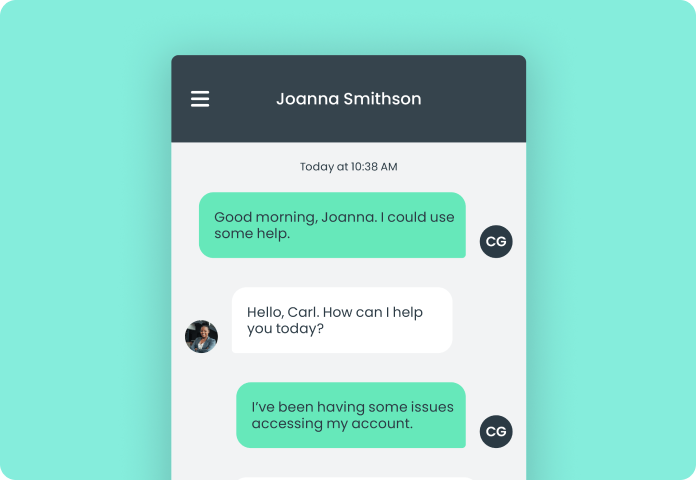
Illustrative account holder connected with a primary employee and supporting team.

Relationship models at a glance

Personal service takes more than one shape

03_card_1_icon_40x40px

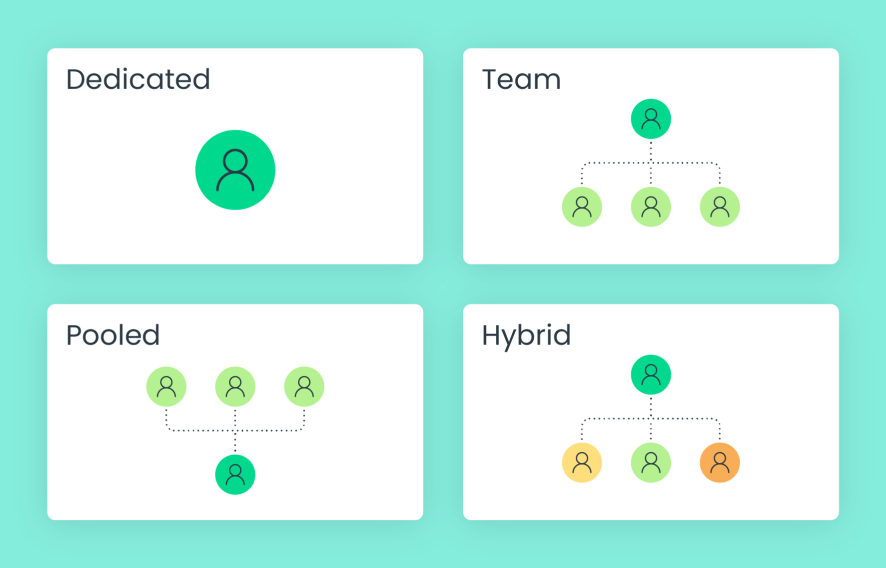
Dedicated

A primary employee owns the relationship, chosen by the account holder or assigned by your institution.
03_card_2_icon_40x40px

Team

A primary employee works with assigned colleagues or a defined team to support the relationship.
03_card_3_icon_40x40px

Pooled

Serve account holders through queue- and capacity-based assignment without requiring a primary relationship.
03_card_4_icon_40x40px

Hybrid

Use different relationship models for different account-holder segments.

How it works

Build around the way you serve

Match your relationship approach to your account holders, employees, and service priorities.
  1. Identify the segments your institution serves
  2. Choose dedicated, team, pooled, or hybrid service to fit your approach
  3. Let account holders choose a primary employee or assign one, based on your rollout
  4. Align supporting teams and routing with your relationship structure and employee capacity
Dedicated, team, pooled, and hybrid relationship models, including segment-based configuration.

Designed for better service

Make personal service part of the model

Connect account holders with people in a way that reflects your institution’s relationship strategy.

For account holders

A connection that fits their needs

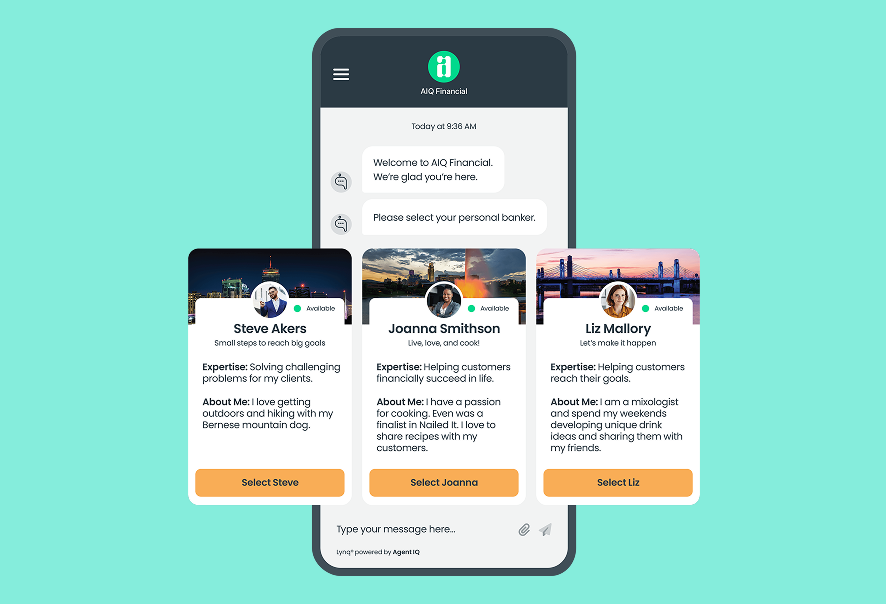
Offer a familiar contact, a supporting team, or pooled assistance. Where your rollout allows, account holders can choose their primary employee.
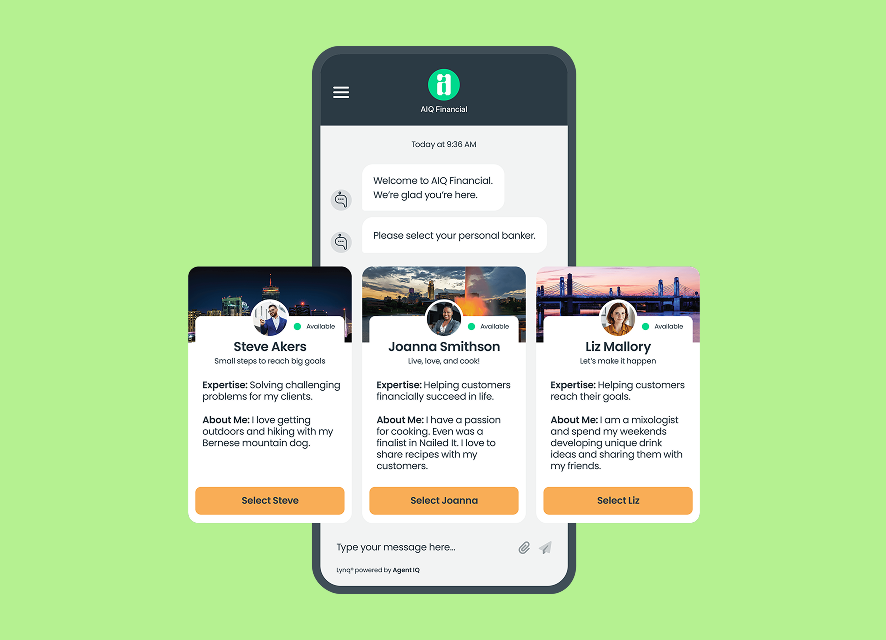
Illustrative primary employee selection, with institution assignment as an alternative.

For employees

A clear role in each relationship

Support account holders as a primary contact, part of an assigned team, or an employee handling pooled conversations.
Illustrative relationship team with a primary employee and supporting colleagues.

For managers

Different segments. Different approaches.

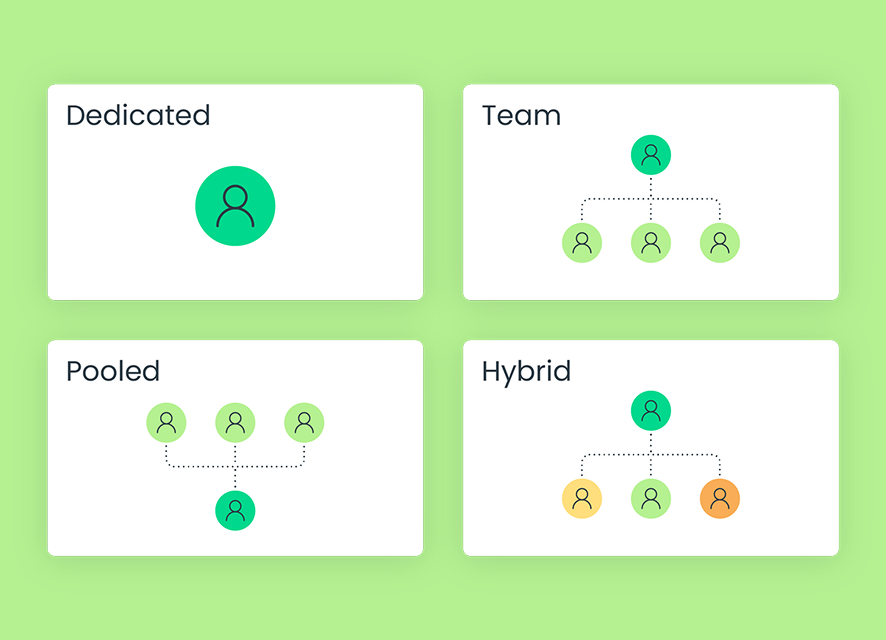
Configure relationship models around your institution’s priorities without applying the same service structure to every account holder.
Illustrative comparison of dedicated, team, pooled, and hybrid relationship models.

Connected support

Give relationships room to grow

06_card_1_icon_40x40px

Authenticated messaging

Keep conversations going over time through persistent messaging within digital banking.
06_card_2_icon_40x40px

Customer context

Bring relationship history, notes, and account-holder information into the conversation, where configured.
06_card_3_icon_40x40px

Intelligent routing

Connect account holders with employees according to your institution’s relationship structure and service rules.

Built for financial institutions

Trust is part of the experience

07_card_1_icon_40x40px

Institution-defined relationships

Your institution determines how dedicated, team, pooled, and hybrid models support its account holders.
07_card_2_icon_40x40px

Role-based access

Use configurable roles and permissions to manage employee access.
07_card_3_icon_40x40px

SOC 2 Type II controls

Support relationship-banking workflows within Agent IQ’s SOC 2 Type II control environment.

Connected capabilities

Frequently asked questions

Does every account holder need a dedicated employee?
No. Lynq supports dedicated, team, pooled, and hybrid configurations. Pooled service does not require a primary relationship.
Can different segments use different models?

Yes. A hybrid configuration lets your institution use different relationship models by account-holder segment.

What is the difference between dedicated and team models?
In a dedicated model, a primary employee owns the relationship. In a team model, that employee works with assigned colleagues or a defined team.
How do relationship models differ from routing?
Relationship models define who owns or supports the relationship. Routing determines how a conversation reaches an employee using your institution’s configured rules.
Can account holders choose their primary employee?
Yes. Account holders can choose their primary employee, or your institution can assign one. Your institution determines which approach to use as part of its rollout.