<img height="1" width="1" style="display:none;" alt="" src="https://px.ads.linkedin.com/collect/?pid=7937762&amp;fmt=gif">
Skip to content

Features > Intelligent routing

The right connection makes all the difference.

Connect account holders with the people best placed to help. Configure routing around their needs, existing relationships, and your team’s availability.

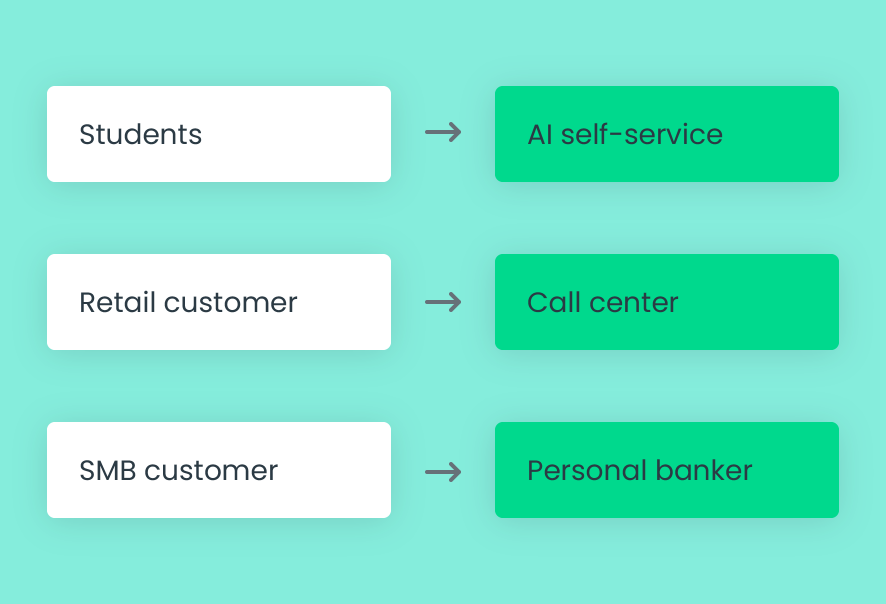
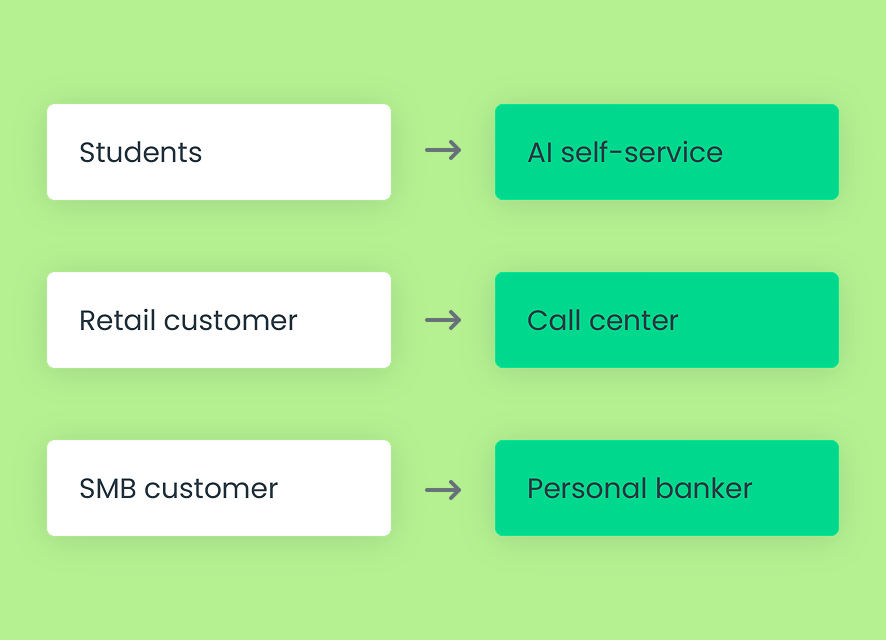
Illustrative routing paths connecting website visitors and account holders with relevant banking teams.

Intelligent routing at a glance

More context. A clearer path to help.

03_card_1_icon_40x40px

Website entry point

Use the page where a conversation begins to guide visitors toward the appropriate team.
03_card_2_icon_40x40px

Existing relationships

Account for an account holder’s primary employee or supporting team.
03_card_3_icon_40x40px

Account-holder segments

Configure different service paths for different account-holder groups.
03_card_4_icon_40x40px

Request and expertise

Use the conversation category or intent to guide requests toward relevant expertise.
03_card_5_icon_40x40px

Availability and capacity

Consider employee availability and concurrent conversation limits when assigning work.
03_card_6_icon_40x40px

Queue and assignment rules

Configure queue priorities and round-robin assignment to support your service model.

How intelligent routing works

Your service model sets the direction.

Lynq® supports configurable routing and assignment options that reflect how your institution serves account holders.
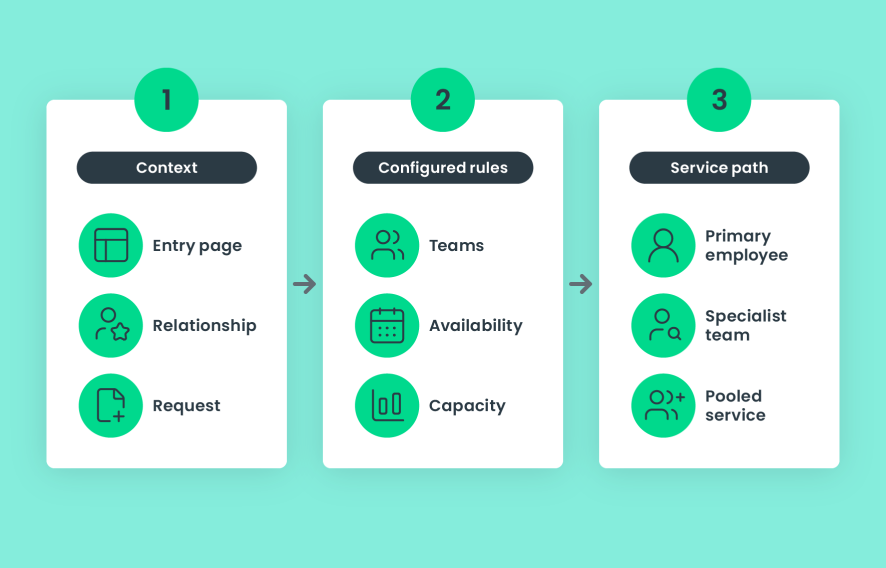
  1. Define the teams and relationships that support each audience
  2. Use entry-page context, segments, or request categories where appropriate
  3. Configure availability, capacity, and queue priorities
  4. Apply the assignment approach that fits each service path
Example routing workflow: context informs configured rules and service paths. Options vary by institution configuration.

Designed for better service

Better connections on both sides.

For account holders

A clearer path to someone who can help.

Guide people toward a familiar contact or a team with the relevant expertise, based on their needs and your service model.
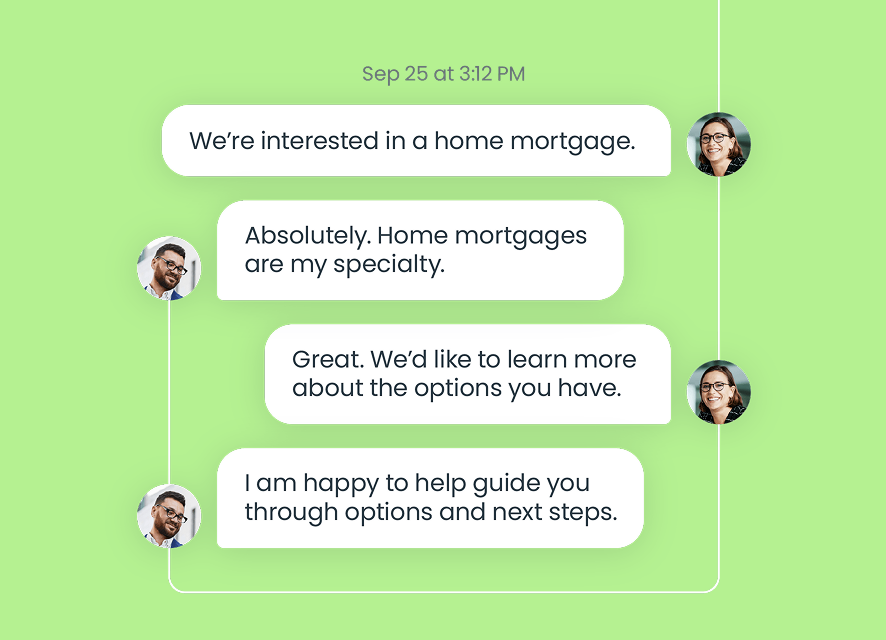
Illustrative account holder conversation connecting a home-loan question with the lending team.

For employees

Conversations that fit their role.

Direct requests toward the appropriate employees while accounting for availability and conversation capacity.
Illustrative employee view of a lending request with availability and capacity considerations.

For managers

Routing that reflects how you operate.

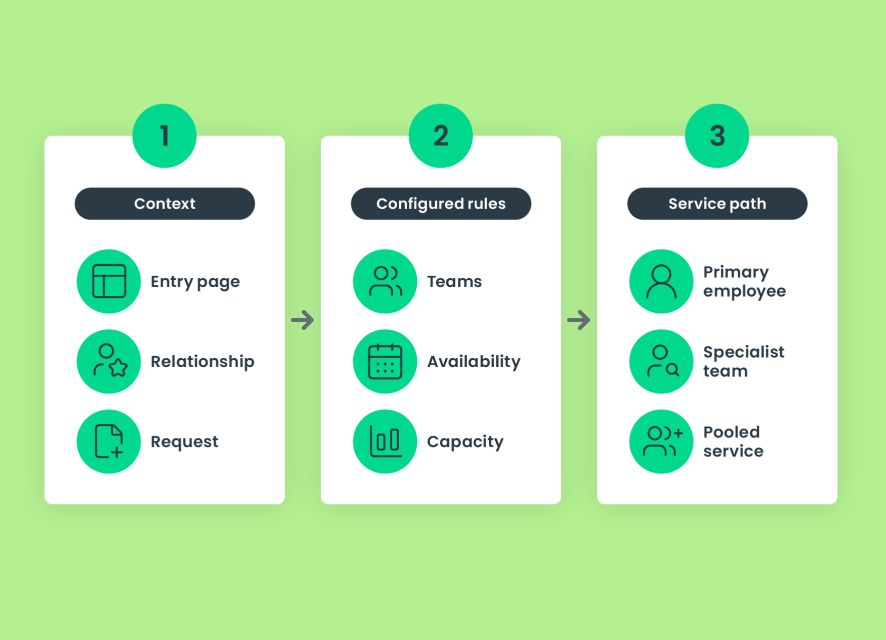
Support dedicated relationships, specialized teams, and pooled service with configurable assignment and queue rules.
Illustrative routing framework showing context, institution-configured rules, and service paths. Options vary by configuration.

Connected support

Connect the request and the relationship.

06_card_1_icon_40x40px

Live chat

Use public website entry-page context to guide new conversations toward the appropriate team.
06_card_2_icon_40x40px

Authenticated messaging

Support ongoing conversations where the account holder’s identity and relationship are already known.
06_card_3_icon_40x40px

Relationship models

Align routing with dedicated, team, pooled, or hybrid service.

Built for financial institutions

Trust is part of the experience

07_card_1_icon_40x40px

Institution-defined rules

Configure routing around your teams, service priorities, and relationship strategy.
07_card_2_icon_40x40px

Role-based access

Manage employee access through configured roles and permissions.
07_card_3_icon_40x40px

Capacity controls

Set concurrent conversation limits to support how employees handle incoming work.

Connected capabilities

Frequently asked questions

What can influence how a conversation is routed?
Depending on configuration, routing can consider website entry page, account-holder segment, existing relationships, request category or intent, team expertise, employee availability, and capacity. Queue priorities and assignment rules also shape how work is handled.
Can different website pages connect visitors with different teams?

Yes. For example, conversations started on an account-opening page can go to a new-accounts team, while lending-page conversations can go to lending specialists.

Does routing require a dedicated employee for every account holder?
No. Routing can support dedicated relationships, teams, pooled service, or a combination of models across account-holder segments.
Does intelligent routing mean every decision is made by AI?
No. Routing follows your institution’s configured service and assignment rules. Where Lynq AI is used, self-service can transition to an employee with conversation context.