<img height="1" width="1" style="display:none;" alt="" src="https://px.ads.linkedin.com/collect/?pid=7937762&amp;fmt=gif">
Skip to content

Features > Staff AI assistant

Your institution’s knowledge. Wherever work happens.

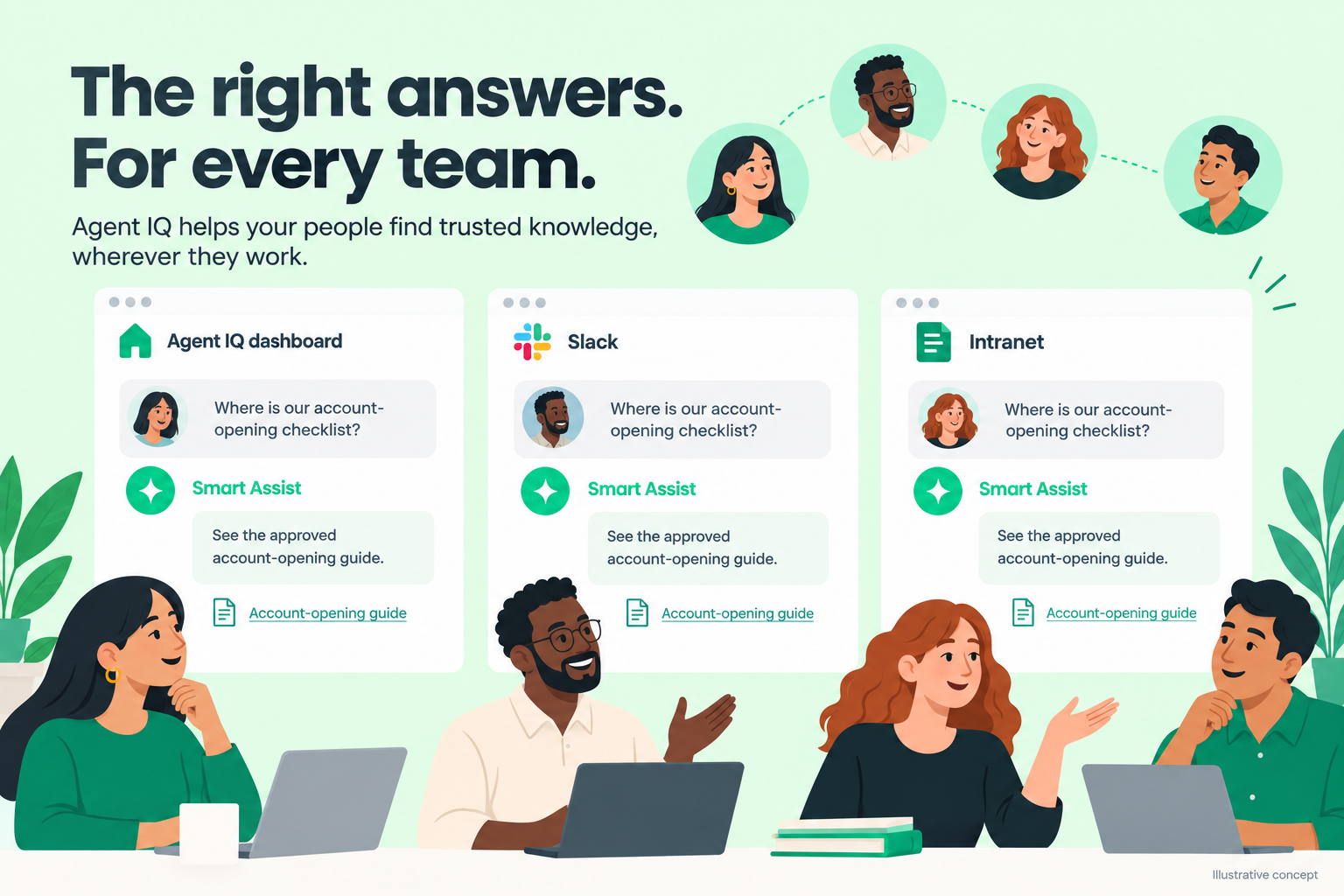
Give every employee access to answers grounded in approved resources. Smart Assist brings source-linked guidance to your Agent IQ dashboard, Slack, or intranet.

Illustrative Smart Assist concept showing source-linked guidance in the Agent IQ dashboard, Slack, and an intranet widget.

Staff AI assistant at a glance

Less searching. More informed work.

03_card_1_icon_40x40px

Ask naturally

Ask everyday questions about your institution’s products, policies, and procedures.
03_card_2_icon_40x40px

Approved knowledge

Get answers grounded in institution-approved resources.
03_card_3_icon_40x40px

Source links

Review the supporting information behind an answer.
03_card_4_icon_40x40px

Work where you are

Access Smart Assist through the Agent IQ dashboard, Slack, or an intranet widget.
03_card_5_icon_40x40px

Answers you can use

Apply guidance to your work, or copy and adapt an answer for an account holder.
03_card_6_icon_40x40px

Usage and feedback

Understand employee questions, resource usage, and answer satisfaction.

How staff AI assistance works

Ask. Verify. Put it to work.

Get guidance in the tools your employees already use.
  1. Ask a question in your configured Smart Assist experience
  2. Receive an answer grounded in approved institutional resources
  3. Follow source links to verify the details
  4. Use the guidance, or copy and adapt the response as needed
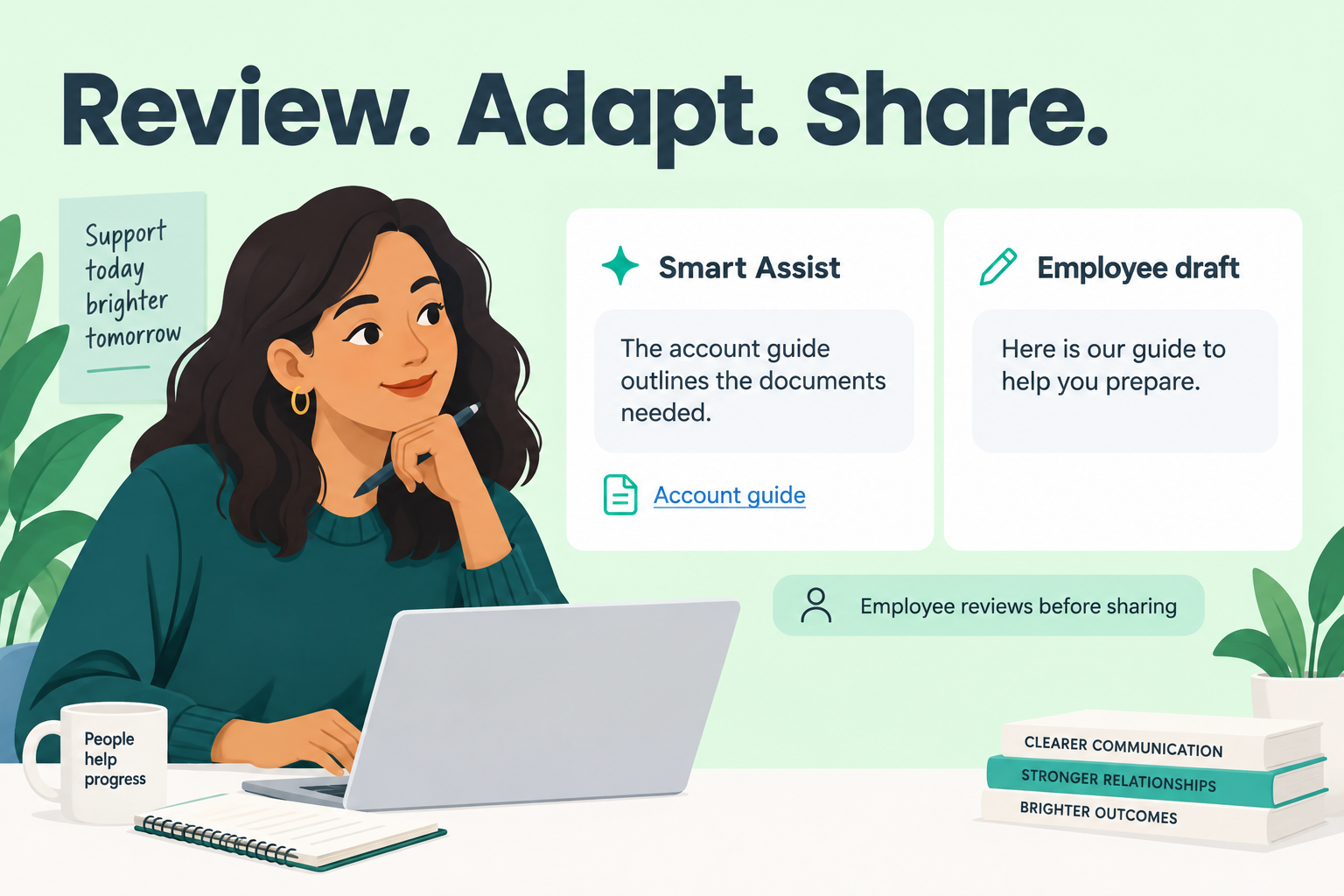
Illustrative Smart Assist answer and source alongside an employee-reviewed draft, not an automatic message to an account holder.

Support across your institution

Knowledge for every team.

For employees

Find guidance for the work in front of you.

Get answers to documented policy, procedure, and product questions, whether you serve account holders or support internal operations.
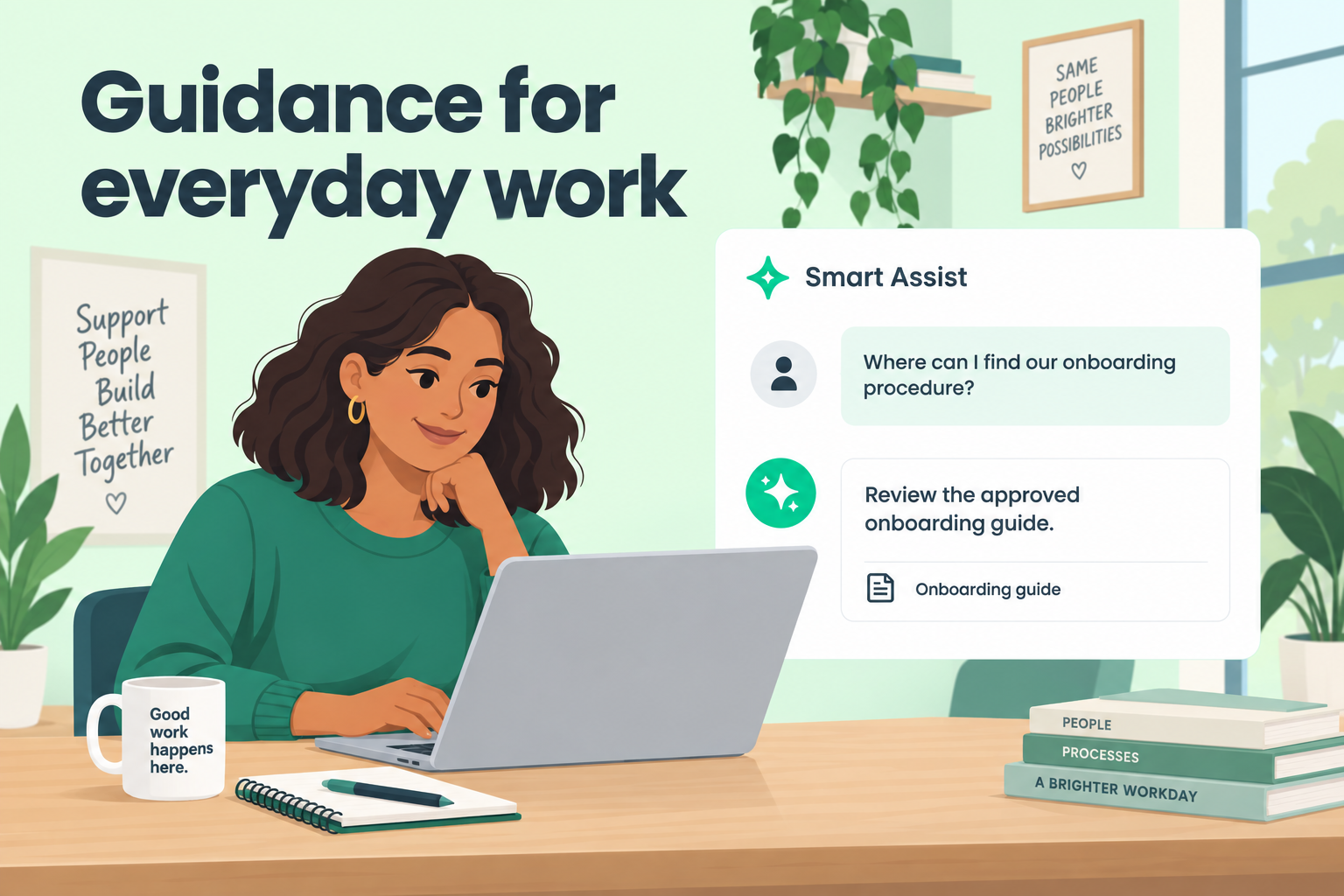
Illustrative internal employee using Smart Assist to locate approved onboarding guidance and its source.

For account-facing teams

Turn trusted information into personal support.

Use an answer to inform a conversation, or copy and adapt it for an account holder. Employees decide what to share and how to say it.
Illustrative employee reviewing a source-linked Smart Assist answer and adapting it before sharing with an account holder.

For managers

See where knowledge needs attention.

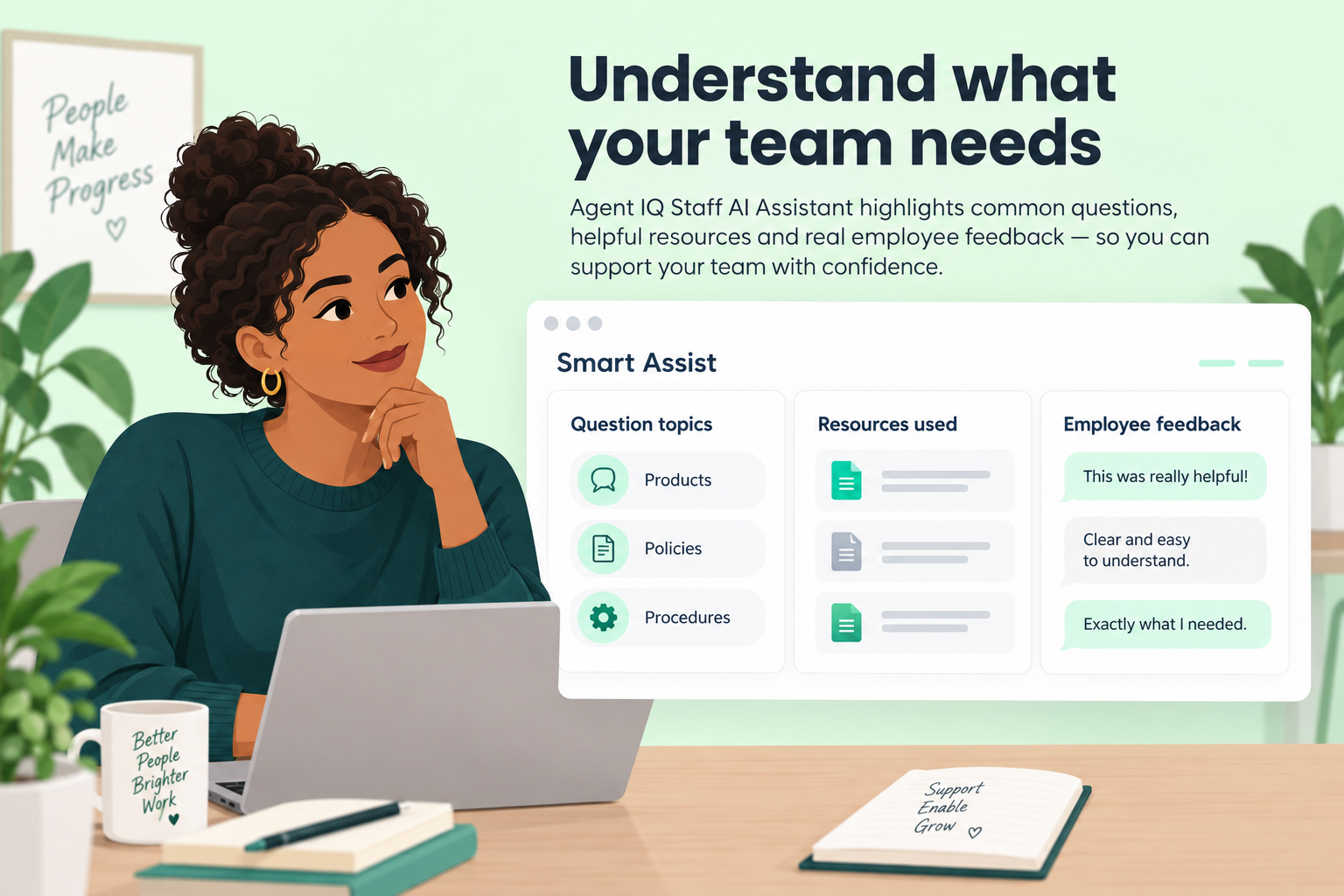
Review question topics, resources used, and employee feedback to identify gaps and improve the information your teams rely on.
Illustrative Smart Assist analytics concept showing question topics, resources used, and example employee feedback, not actual performance data.

Where your team works

Bring answers closer to the work.

06_card_1_icon_40x40px

Agent IQ dashboard

Access Smart Assist within the Agent IQ dashboard.
06_card_2_icon_40x40px

Slack

Ask questions and receive answers through your institution’s Slack integration.
06_card_3_icon_40x40px

Your intranet

Make Smart Assist available through a widget on your institution’s intranet.

Built for financial institutions

Trust is part of the experience

07_card_1_icon_40x40px

Grounded in your resources

Smart Assist grounds every answer in institution-approved resources.
07_card_2_icon_40x40px

Sources you can verify

Source links let employees review the information behind an answer.
07_card_3_icon_40x40px

People remain involved

AI supports employees’ work. Professional judgment remains essential when applying guidance.

Connected capabilities

Frequently asked questions

Who can use Smart Assist?
Smart Assist supports employees across the institution, not just account-facing teams. Employees can use it for guidance grounded in approved policies, procedures, and product information.
Where can employees access Smart Assist?

Deployment options include the Agent IQ dashboard, a Slack integration, and a widget on your institution’s intranet.

Does Smart Assist send answers to account holders automatically?
No. Answers return to the employee in their configured interface. The employee can use the guidance, copy and paste the answer, or modify it before sharing.
Can managers see how Smart Assist is being used?
Yes. Smart Assist analytics cover employee questions, topics, resources used, engagement, and feedback, including answer satisfaction.