<img height="1" width="1" style="display:none;" alt="" src="https://px.ads.linkedin.com/collect/?pid=7937762&amp;fmt=gif">
Skip to content

Features > Knowledge management

Trusted knowledge. Ready to work.

Govern what’s approved. Organize what matters. Smart Control and Smart Drive help your institution put the right information in the hands of the right teams and build a trusted foundation for AI.

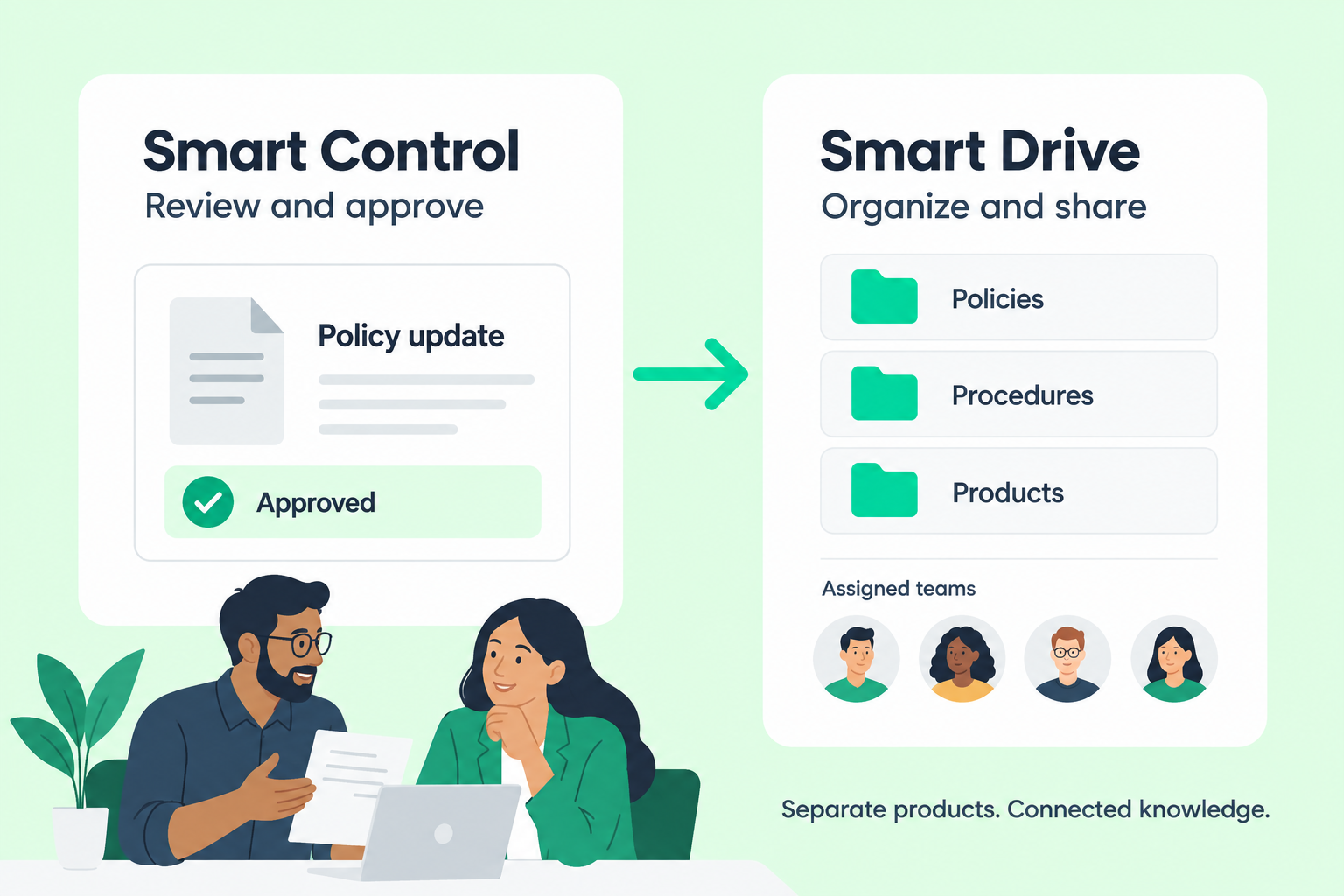
Illustrative comparison of Smart Control review and approval with Smart Drive organization and team access, shown as separate products.

Knowledge management at a glance

From scattered information to shared confidence.

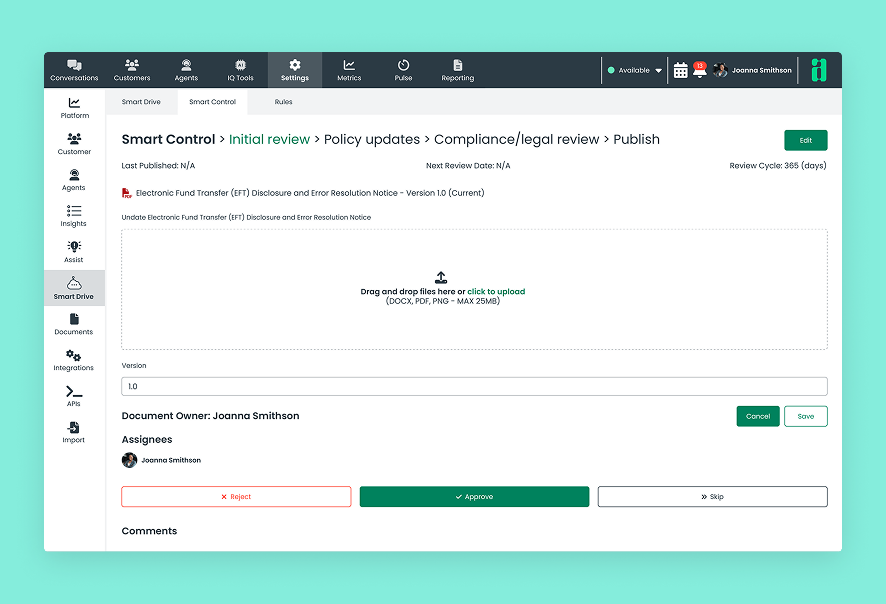
Smart Drive organizes and shares approved resources. Smart Control is a separate product for review, approval, and governance, enabled by Agent IQ.
03_card_1_icon_40x40px

Review and approval

Define review stages and approvers in Smart Control before content is made available.
03_card_2_icon_40x40px

Organized resources

Keep approved documents, assets, and links organized in Smart Drive.
03_card_3_icon_40x40px

Team-based access

Make resources available to the appropriate teams through configured access controls.
03_card_4_icon_40x40px

Content maintenance

Manage versions and review schedules in Smart Control as policies, products, and procedures change.
03_card_5_icon_40x40px

Connected sources

Bring resources together through uploads, URLs, and configured content connections.
03_card_6_icon_40x40px

Knowledge for AI

Provide approved resources for employee assistance and account-holder self-service.

How knowledge management works

Approve it. Organize it. Put it to work.

Smart Control governs the review process. Smart Drive organizes approved resources and makes them available for use.
  1. Define review stages, responsibilities, and approval rules in Smart Control
  2. Organize approved documents, assets, and links in Smart Drive
  3. Configure access for the teams that need them
  4. Make approved knowledge available through the Knowledge Base, Smart Assist, and Lynq® AI
Illustrative approved-content flow from Smart Control to Smart Drive, connecting separate governance and organization products.

Support across your institution

Clear ownership. Useful knowledge.

For content owners

Keep information ready for the people who need it.

Organize resources, manage updates, and coordinate reviews so your institution’s knowledge remains useful as things change.
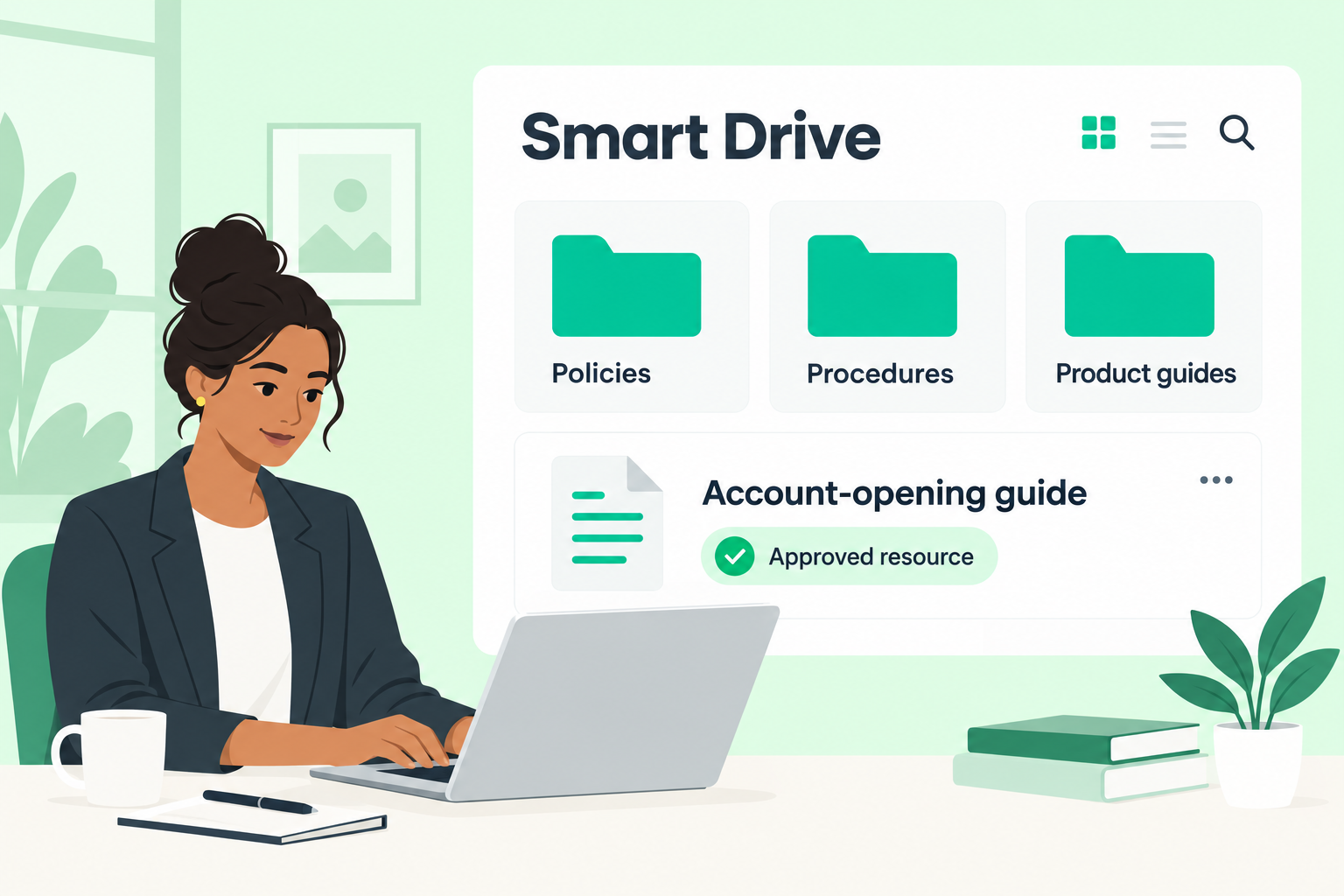
Illustrative content owner organizing approved policies, procedures, and product guides in Smart Drive.

For employees

Spend less time looking for the right resource.

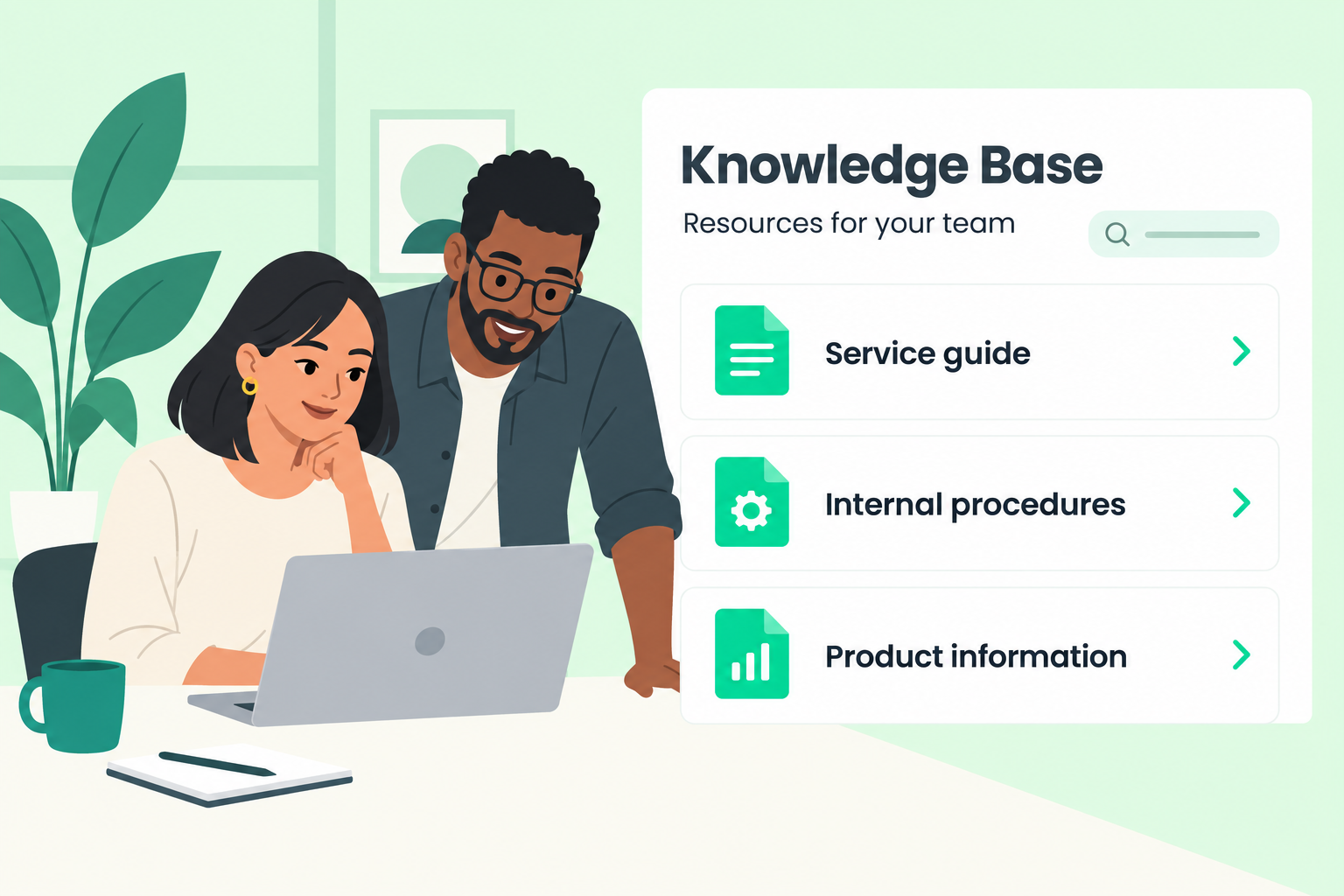
Access approved information relevant to your team, whether you’re supporting account holders or handling internal work.
Illustrative employees accessing team-relevant service guides, internal procedures, and product information in the Knowledge Base.

For reviewers and administrators

See how content moves from review to use.

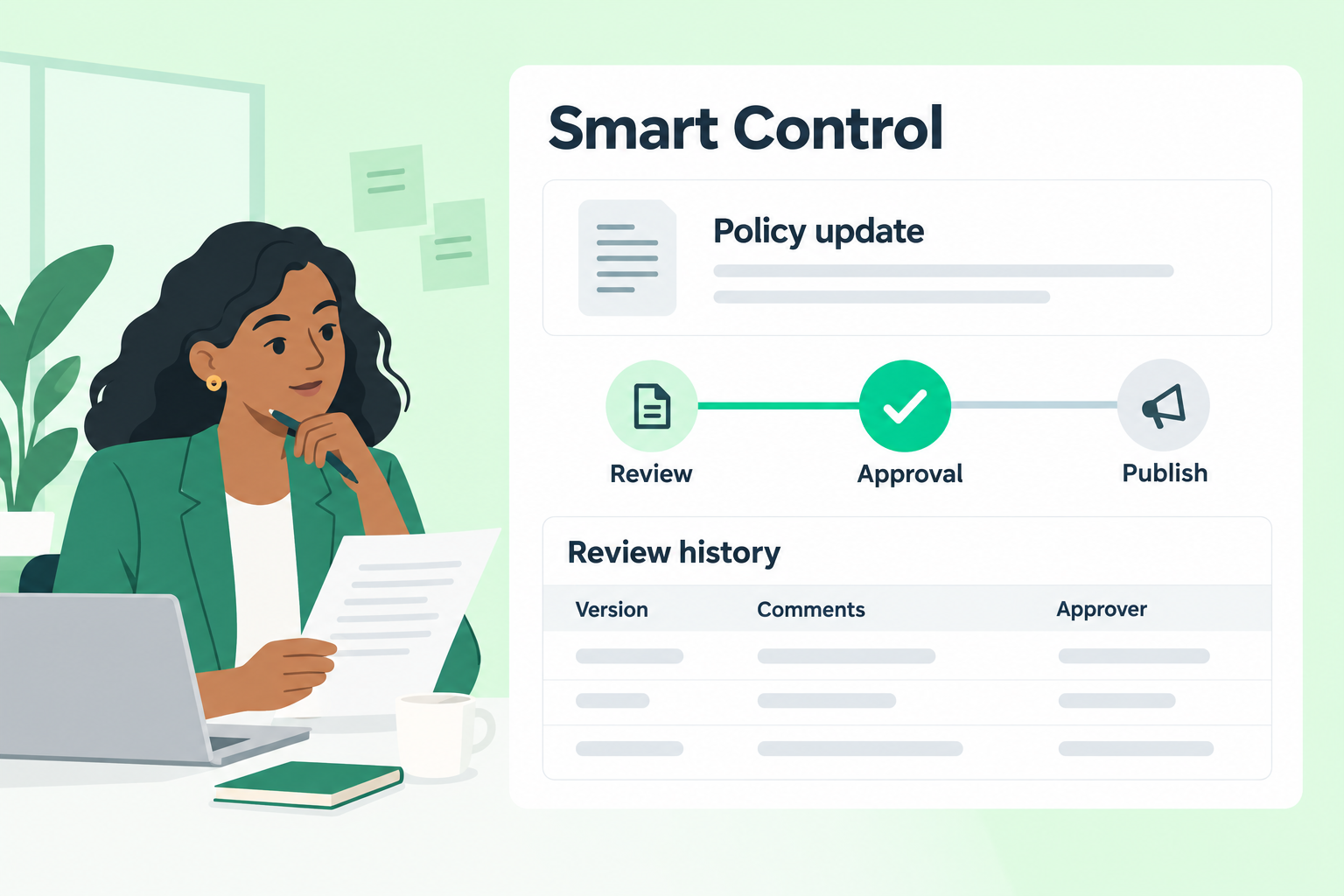
Manage approval stages, comments, publishing controls, and audit reports to support oversight of institutional knowledge.
Illustrative reviewer using Smart Control approval stages and review history, not an actual audit record.

Knowledge in action

One foundation. More ways to help.

06_card_1_icon_40x40px

Employee Knowledge Base

Make approved resources accessible to employees through the Knowledge Base.
06_card_2_icon_40x40px

Staff AI assistant

Ground Smart Assist guidance in approved knowledge, with source links employees can verify.
06_card_3_icon_40x40px

AI self-service

Use approved resources to support generative answers for account holders through Lynq AI.

Built for financial institutions

Trust is part of the experience

07_card_1_icon_40x40px

Defined accountability

Assign review responsibilities and approval stages around your institution’s processes.
07_card_2_icon_40x40px

Controlled availability

Use publishing and access controls to manage how resources become available.
07_card_3_icon_40x40px

Traceable changes

Use versioning and audit reports to support oversight of content and governance changes.

Connected capabilities

Frequently asked questions

How do Smart Control and Smart Drive work together?
Smart Control is a separate product for governing review and approval, enabled by Agent IQ. Smart Drive organizes approved documents, assets, links, and other resources and makes them available to the appropriate teams and configured knowledge experiences. Smart Control is not automatically included with Smart Drive.
Can different teams access different resources?

Yes. Configured role- and team-based access controls help your institution make resources available to the appropriate employees.

How can we bring existing content into Smart Drive?
Smart Drive supports individual and bulk uploads, URLs, and configured connections such as SharePoint and SFTP. A HubSpot integration is also available with Customer Success configuration.
Are Smart Control and Smart Drive themselves AI assistants?
No. They govern and organize the knowledge that employees and AI experiences use. Smart Assist provides employee-facing AI assistance, while Lynq AI provides account-holder self-service.