<img height="1" width="1" style="display:none;" alt="" src="https://px.ads.linkedin.com/collect/?pid=7937762&amp;fmt=gif">
Skip to content

Features > SMS and social messaging

Familiar channels. Personal connections.

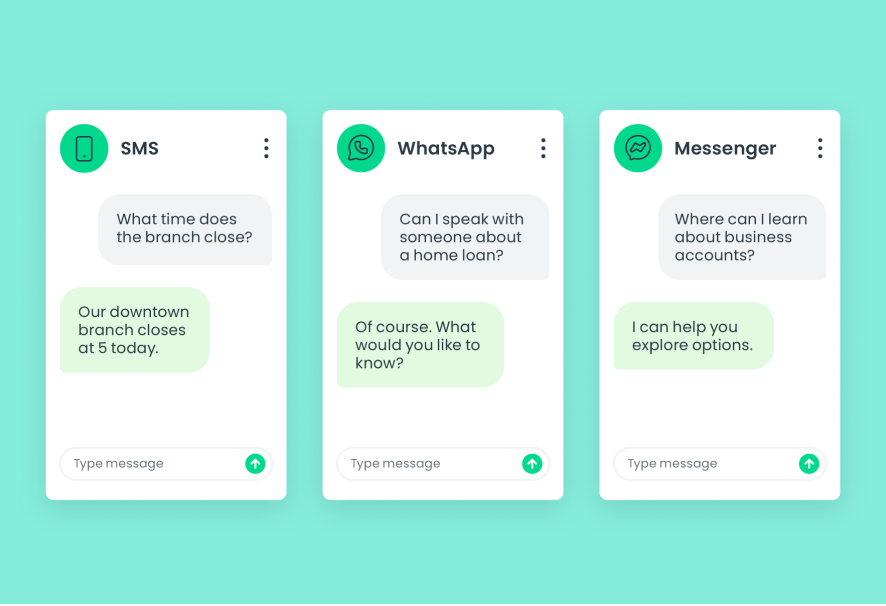
Connect with account holders through SMS, WhatsApp, and Facebook Messenger. Make everyday questions an opportunity for personal service.

sms_01_image_header

SMS and social messaging at a glance

More ways to reach your team

03_card_1_icon_40x40px

SMS messaging

Give account holders a familiar way to connect by text.
03_card_2_icon_40x40px

WhatsApp

Offer personal support through WhatsApp conversations.
03_card_3_icon_40x40px

Facebook Messenger

Respond to questions through your institution’s Facebook Messenger channel.
03_card_4_icon_40x40px

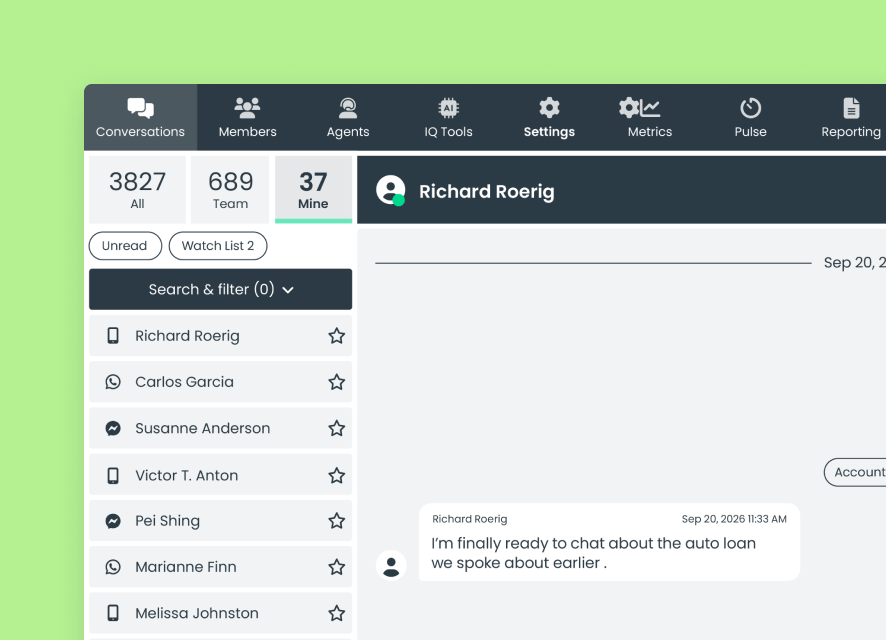
Employee conversations

Bring supported messaging channels into the Lynq® employee experience.
03_card_5_icon_40x40px

SMS templates

Prepare reusable messages with variables for personalized details.
03_card_6_icon_40x40px

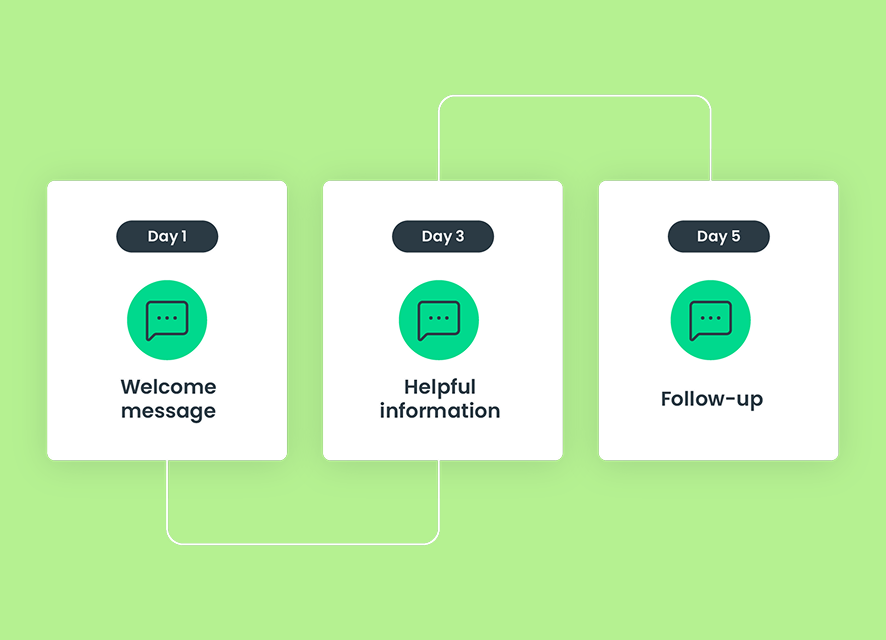
Scheduled SMS campaigns

Organize SMS messages into a scheduled series of follow-ups.

How SMS and social messaging works

Turn everyday questions into conversations

Connect through familiar channels and guide account holders toward the right support.
  1. An account holder messages your institution through SMS, WhatsApp, or Facebook Messenger
  2. An employee responds through Lynq
  3. When more account-specific information is needed, the employee can direct the account holder to signed-in messaging
sms_03_image_chart

Designed for better service

Easier to reach. Ready to help.

Make familiar messaging channels a convenient starting point for personal support.

For account holders

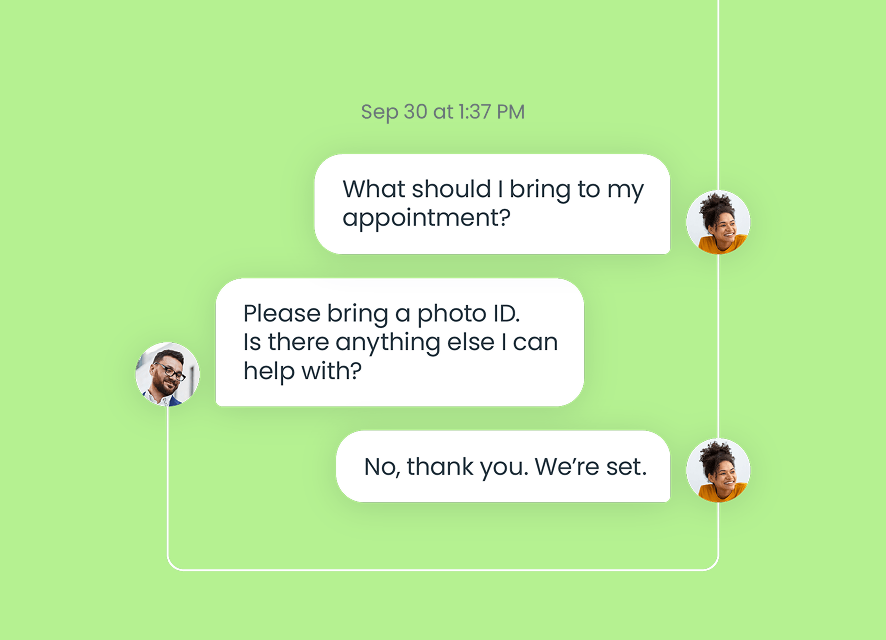
Ask through a familiar channel

Connect with your institution through text or social messaging for everyday questions and guidance.
sms_04a_image_left

For employees

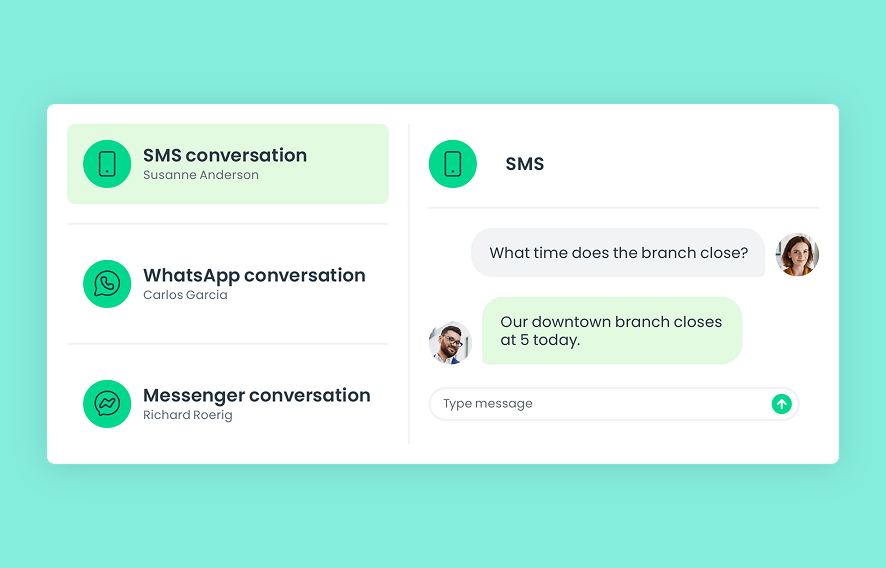
Bring the conversation into your workflow

Respond through Lynq, with the messaging channel identified alongside the conversation.
sms_04b_image_right

For managers

Give follow-up a consistent structure

Use SMS templates and scheduled campaigns to organize repeatable communication around your institution’s priorities.
sms_04c_image_left

Connected support

Match the support to the request

06_card_1_icon_40x40px

Go deeper in signed-in messaging

Encourage account holders to continue in online or mobile banking when their request calls for more detailed, account-specific support.
06_card_2_icon_40x40px

Talk through the question

Offer phone-based Voice support when a conversation would be more helpful than an exchange of messages.
06_card_3_icon_40x40px

Connect face to face

Offer video banking when a more personal discussion would help.

Built for financial institutions

Trust is part of the experience

SMS and social messaging are unauthenticated channels. Guide account holders to signed-in messaging when more detailed account-specific support is needed.
07_card_1_icon_40x40px

SOC 2 Type II controls

07_card_2_icon_40x40px

Retention aligned with your policies

07_card_3_icon_40x40px

A clear path to signed-in support

Connected capabilities

Frequently asked questions

Which messaging channels are supported?
SMS, WhatsApp, and Facebook Messenger are supported. Your institution can work with our team to confirm its channel configuration.
Are these conversations authenticated?

No. SMS, WhatsApp, and Facebook Messenger are unauthenticated channels. Employees can direct account holders to the authenticated messaging experience in online or mobile banking when needed.

Can we schedule SMS messages?
Yes. SMS campaigns can use templates and schedule a series of messages over multiple days. Each campaign uses a single channel.
How is conversation retention handled?
Conversation retention follows your institution’s configured policies.